

Specialized Kenmore Appliance Repair in San Francisco
Mon–Sat: 8:00 AM – 7:00 PM
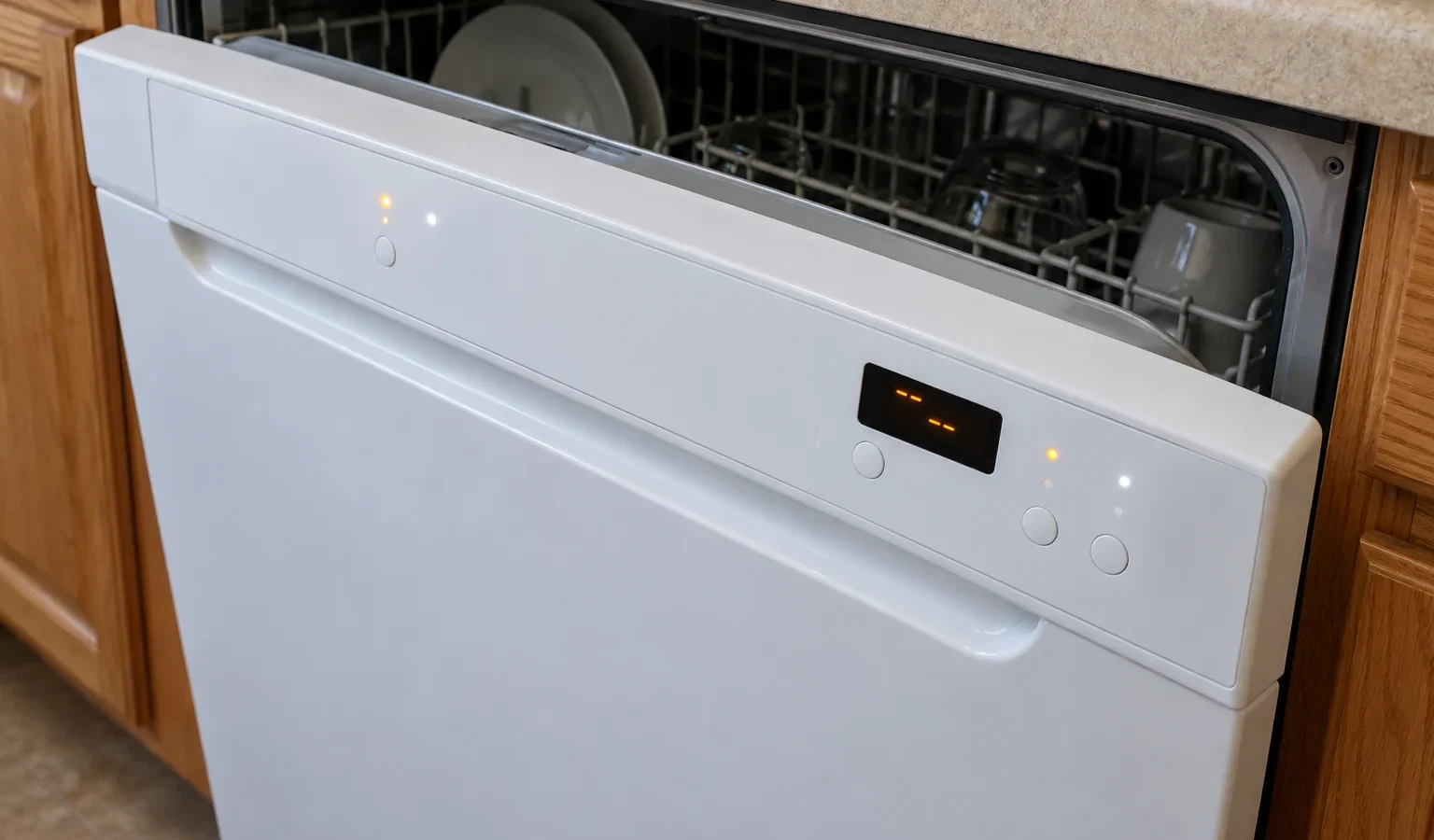
A Kenmore dishwasher that flashes a letter, a number pair or a blink pattern is describing a fault. Here is how to read it and what to do next.
Kenmore repair checklist · San Francisco Bay Area
A Kenmore dishwasher that stops mid-cycle and shows a code is doing something useful: it is naming the circuit or function that failed its own check. The trouble is that Kenmore dishwashers in Bay Area kitchens come from several different generations, and each generation speaks its own dialect. One unit shows a letter followed by a second letter, another shows an F and an E with digits, and some older ones have no display at all and communicate only through blinking lights on the console. Reading the code correctly starts with knowing which dialect you have.
The first family uses two-character letter codes such as OE, IE, HE, LE, tE, nE, FE, AE and E1. These are tied to Kenmore dishwashers with model numbers beginning 722.14. The second family uses a C followed by a digit, plus messages like Cup Open and PF, and belongs to the Kenmore 363 electronic control dishwasher. The third family uses F and E with a digit each, written either as F5E1 or as a pair like 5-1, and appears on Kenmore HE and Kenmore Elite HE dishwashers as well as the MicroClean models.
A fourth group has no characters at all. Some Kenmore and Kenmore Elite dishwashers carrying a 665 model number speak in blinks instead.
For the 722.14 group the meanings are short and direct. OE means the unit is not draining, and IE means it is not filling. HE is a heating failure, LE is a locked-up circulation pump motor, nE is a diverter motor failure, tE is a thermistor failure, and FE is a water overflow condition. AE and E1 both mean a water leak was detected. A drain code does not say the pump is bad; it says the water did not leave when the control expected it to.
The IE page and the HE page go through each of those in more detail, including what an owner can safely look at.
On the 363 electronic control dishwasher, the drain codes are graded. C1 and C2 report that draining took longer than the control allows, C3 means the water would not drain at all, C4 means the tub overfilled and C5 means the drain time was too short, which the control reads as an underfilled tub. C6 reports water that is too cool, C7 a defective water temperature sensor, and C8 a blocked detergent dispenser cover. Cup Open is the plain-language cousin of C8: the dispenser lid was not closed. PF is a power failure.
A blocked or open dispenser is the one code family here that often has an owner-level answer. If the display says Cup Open, check whether a tall item, a spatula or a stuck tablet is holding the lid up.
These codes are more specific than the older ones, and they cluster by system. F1 codes involve the control board, F2 the user interface, F3 the thermistor and optical water indicator, F4 the circulation pump motor and its communication line, F5 the door switch, F6 the water inlet side, F7 the heating element, F8 draining, F9 the diverter and spray arm, FA the dispenser, vent and drying fan, and FC the Wi-Fi module on the MicroClean models. For example, F5E1 says the door was not closed in time after Start or Resume, or the latch is broken. F8E1 is a slow drain.
Because the first digit names the system, an unfamiliar code is still readable. F7E2 is a heating element that will not shut off, while F7E1 is one that does not work at all.
When the Clean light blinks seven times, the control is reporting a heater circuit failure: it did not see the expected rise in water temperature. A Sanitized light that blinks at the end of a cycle says the control could not confirm the sanitizing temperature was reached, so dishes should be treated as not sanitized. A console light flashing rapidly means the control sees a stuck button on the panel.
Take a phone photo of the display or note the blink count, then record the model number from the label, which is usually on the tub edge or door frame. Add what the dishwasher was doing when it stopped: filling, washing, draining or drying.
A code that returns at once is stored or persistent, and more resetting will not help.
Do not pull the lower access panel to look at the pump or heater, and do not test connectors with the power on. Do not keep running a dishwasher that shows a leak or overflow code such as AE, E1, FE or F8E4; switch it off at the breaker and close the supply valve.
Book when the code returns after a power reset and the basic checks, when it involves heating, the circulation pump, the control board or a water-level sensor, or when you cannot tell which family your unit belongs to. A technician diagnoses first, gives you a written estimate, and repairs nothing until you approve it. Our Kenmore dishwasher repair page explains the visit, and the Kenmore dishwashers guide covers where model labels are found. If you need a code that is not listed, the full Kenmore error codes page is searchable.
Older units such as the 630.13003, which is no longer sold new, and models like the 587.1525 are common in San Francisco flats, and giving the full number on the label lets the visit be planned around the right parts.
Codes differ by generation, so the same letters can mean different things on different units. Note the model number from the label and the exact characters or blink count, and match them against the family that fits your unit.
A single controlled power reset is a fair check, since it separates a one-time glitch from a stored fault. If the code returns on the next start, repeated resets will not fix it and a diagnosis is the next step.
Both say the dishwasher is not draining, but OE appears on units with model numbers beginning 722.14, while C3 belongs to the Kenmore 363 electronic control dishwasher. The check is similar; the unit family is different.
The cleaning may continue, but dishes may not reach the temperature the cycle is designed for, and a heating element that will not shut off is a different matter that needs the unit switched off. Treat F7E2 as urgent and HE or F7E1 as a reason to book.
Yes. Blink patterns such as the Clean light blinking seven times are fault reports on certain 665 model units. Count the blinks and note which light is flashing before you call.
Share a few details and we’ll confirm an appointment. Prefer to talk? Call us and we’ll help right away.